
AutoDesign
Automating detailed design for modern engineering teams.
AutoDesign
Library
Features
How It Works
Partnerships
Custom Development
Go Beyond Design. Iterate, Refine, and Optimize
Automated
Detailed Design
Interactive
Detailed drawing
Optimized
Design options

Inputs to report,
handled for you
Features
Built to give you back your engineering time
Each feature replaces a tedious step that used to eat hours of your day.

Code Compliance, Handled
Every code clause is checked behind the scenes. You stop tracking which formula applies and start reviewing the result.

Iteration on Autopilot
Generate dozens of design variants in minutes. Stop redoing the same calculation by hand to compare options.

Submittal-Ready Reports
Every calculation, every equation reference, every drawing — packaged into a clean report at one click. No formatting work.

Sizing Without Trial-and-Error
Set bounds. AutoDesign finds the most efficient design that passes every check. No more size-up, recheck, size-down loops.

Drawing That Stays in Sync
The drawing updates with every input. Right-click an element to edit it directly — no hunting through tabs to find the field.

Compare Many Cases at Once
Drop a worksheet of cases into Batch Analysis. Skip the repetitive work of running each one and reading every result.
See It In Action
From design inputs and live drawings to code checks and optimization, the workflow stays connected.
Expand the live drawing to a focused workspace. Dock design checks at the bottom, keep warnings visible, and review the connection without losing the design context.
Power features
More than the basics. Built for the deeper work.
The features you'll keep finding new uses for — the ones that handle the work nobody enjoys doing by hand.
Drawing-First Mode
When the drawing is what everyone needs to see.
Expand the connection drawing to fill the screen. Dock the limit-state results panel at the bottom for side-by-side review with the model warnings.
Search → Refine
Suggest finds. Optimize cleans up.
Autodesign will find the most optimized design for you. Click Suggest to find a passing starting point in seconds — even when the current design is failing badly. Then click Design and Optimize to refine the suggestion into a clean, well-sized result.
Alternative Designs
Don't settle for the first answer.
After Optimize finishes, AutoDesign sweeps nearby parameter combinations and surfaces every other design that still passes — sortable, applicable in one click.
Batch ↔ Designer
Inspect, edit, push back.
Once a batch is solved, every row appears in a side panel on the main designer. Click any row to load its inputs, tweak in the live designer, and push the changes back to the worksheet.
Bulk Reports
Print every solved row at once.
Mark batch rows for print and generate one combined PDF with a cover page for each — or one PDF per row. Per-row drawings are rendered automatically.
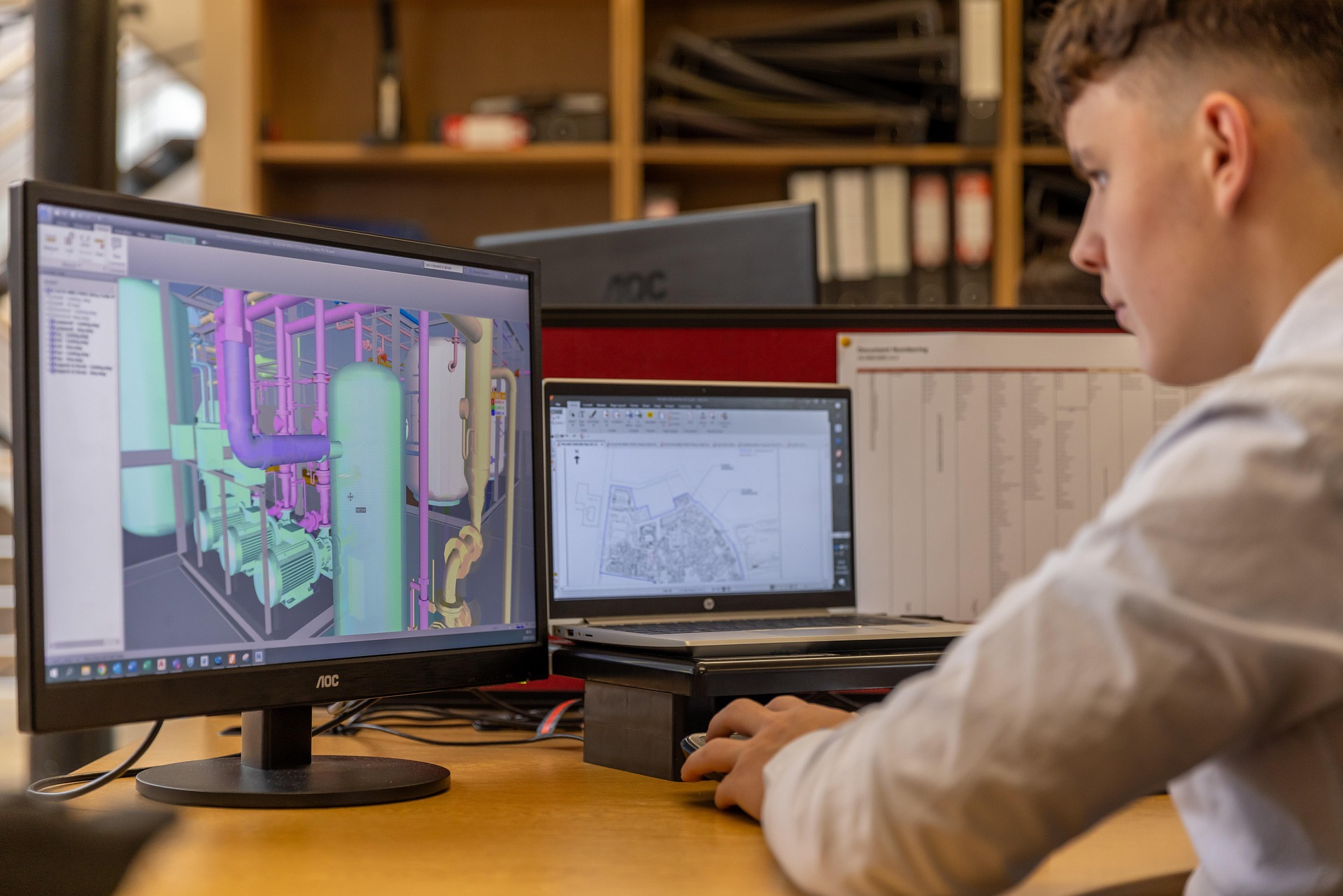
Built for engineers, not data entry
Less wrestling with inputs and trial-and-error. More time on the calls only an engineer can make.
Type inputs once, not for every variant
Skip manual trial-and-error sizing
Drawings, checks, and reports stay in lockstep
See failing checks the instant they fail
Generate review-ready reports in one click
Work in the browser — no install, no license server
Engineering judgment stays with you
Inputs and iteration, handled. Decisions, yours.
Set up the design once. AutoDesign keeps it solved, drawn, and reportable while you decide whether it's right.
Be Among the First to Experience It
Create your free account and start designing — handle inputs, calculations, drawings, and iteration in one place.
Automation and optimization
For engineers, by engineers
Free during beta
AutoDesign
Explore
Features
How It Works
Sample Design
Resources
Batch Analysis Docs
Design and Optimize Docs
Tutorials
Support
Blog
About Us
© 2026 AutoDesign. All rights reserved.
Analytics & ads consent
We use analytics to understand page visits and key product interactions, and may show ads to free-plan users. You can read more in our privacy policy.